Free tool
Free QR Code Generator
Turn any web address into a QR code and download it as a print-ready file. No sign-up, no watermark, no expiration — everything runs in your browser.
Higher levels keep the code scannable even if part of the label is dirty.
PNG files work in most apps and are best for sharing online.
SVG files stays sharp at any size and are best for printing or design files.
Use a dark code color on a light background for reliable scanning.
Your QR code is generated right here in your browser — the URL is never uploaded or stored.
- Private by design Your URL never leaves your browser.
- PNG and SVG Web-ready and print-ready downloads.
- No expiration Static codes with no redirect service in the middle.
Uses
Where domed QR codes go to work
One scan can replace a printed manual, a phone call, or a hunt for the right page.
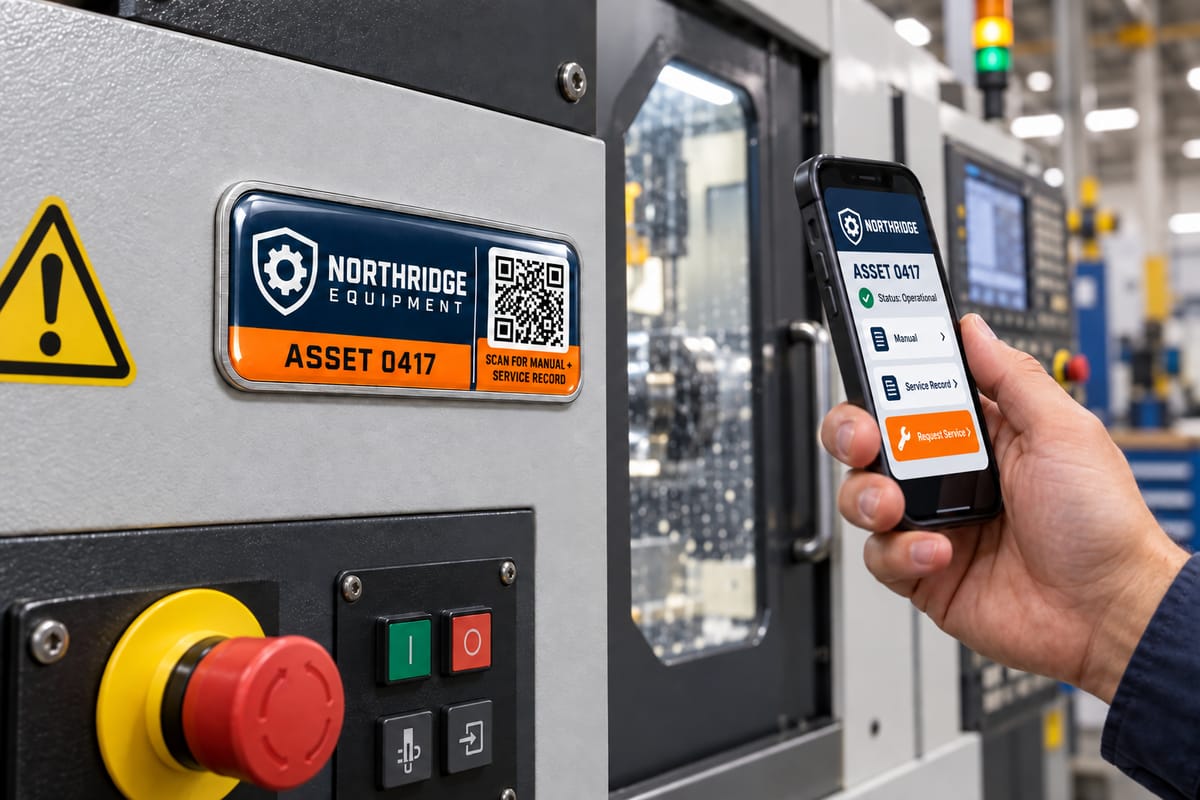
Equipment and asset tags
Open the manual or service record.
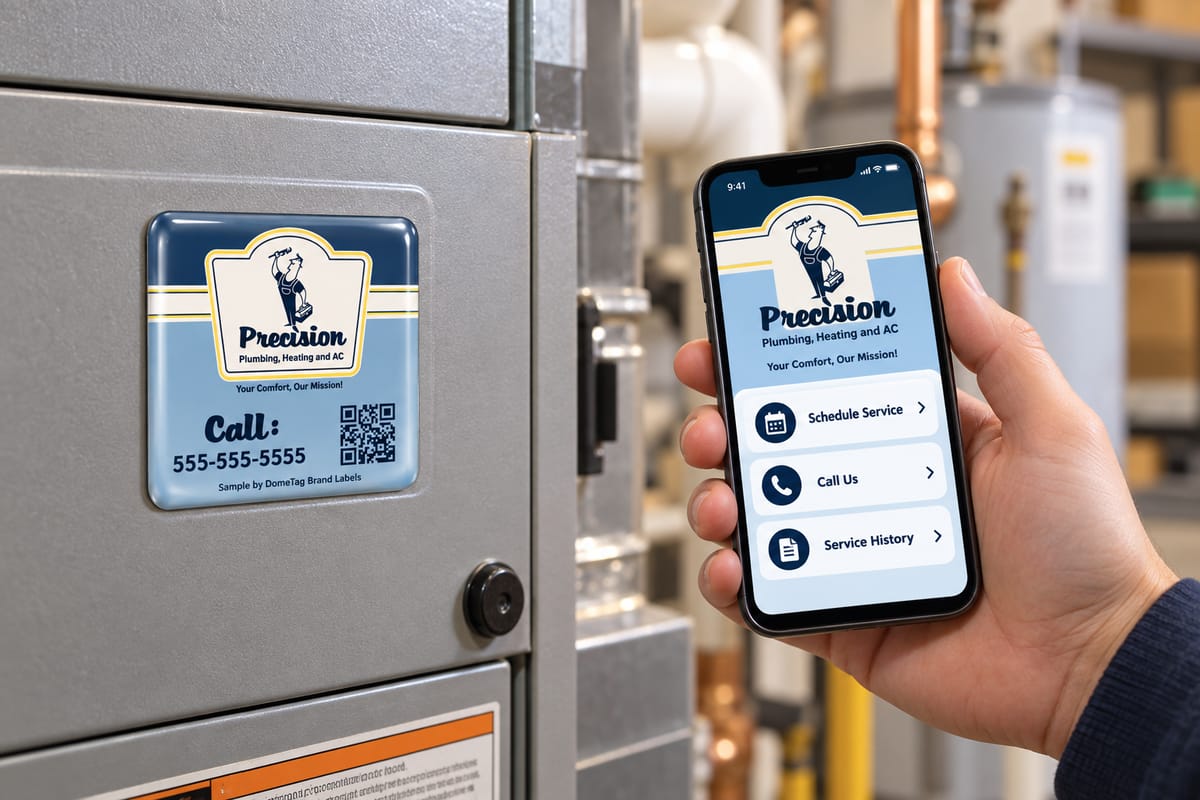
Service labels
Schedule service, call your provider, or view service history.
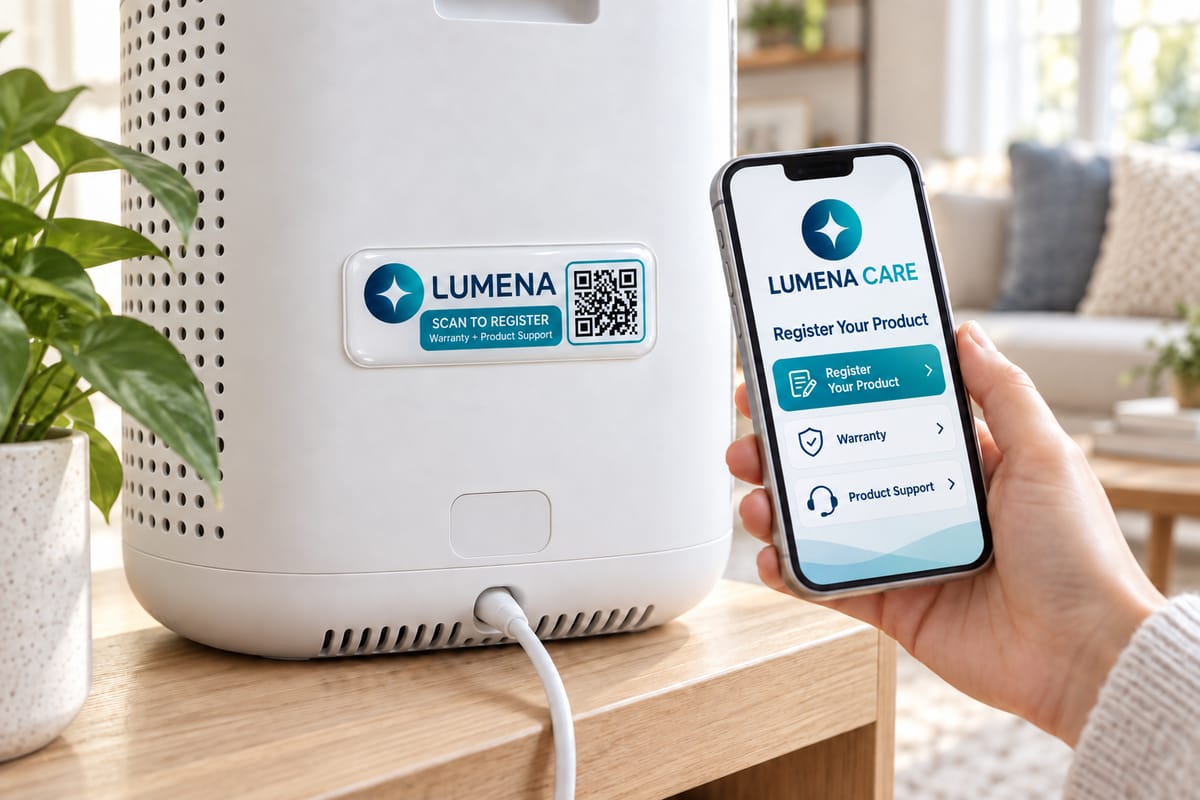
Product labels
Jump straight to registration, warranty, or support.
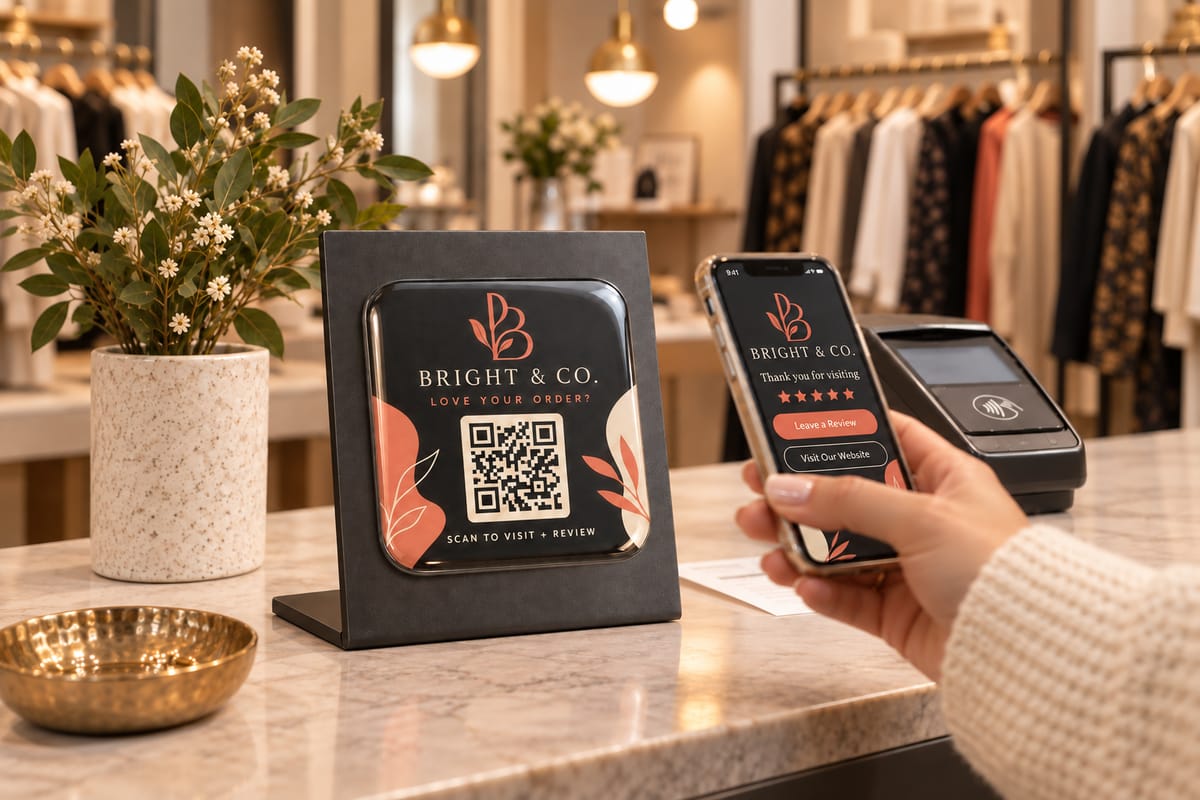
Branding labels
Send customers to your website or review page.
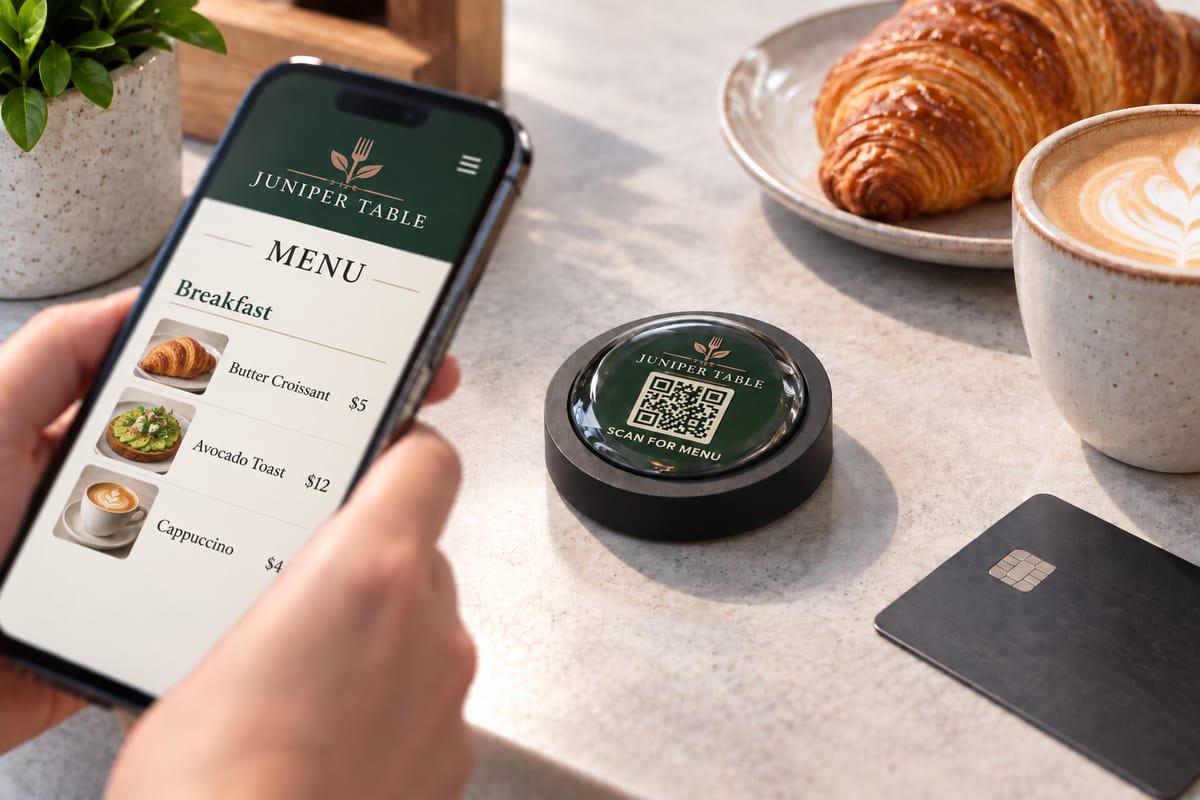
Restaurant labels
Pull up the menu, ordering, or reservations.
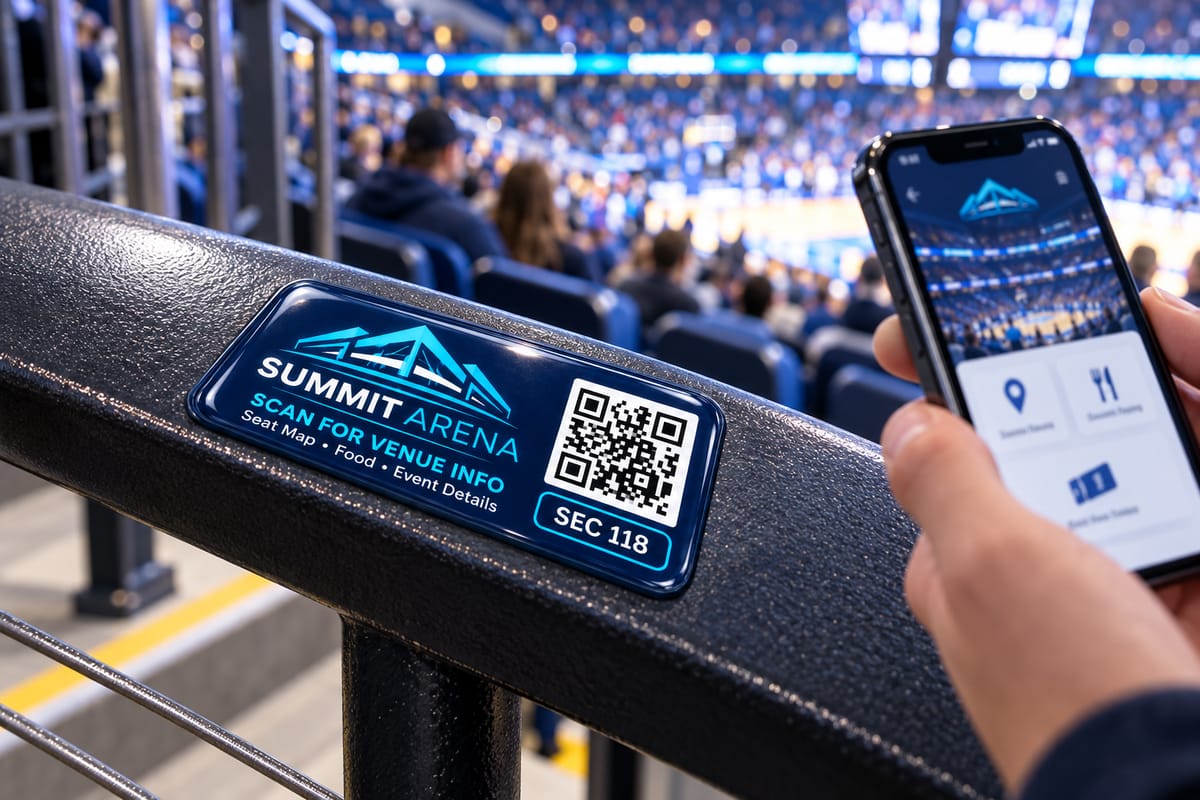
Stadium and venue labels
Link to the seat map, concessions, or event details.
Benefits
Why print your QR code on a domed label
A QR code is only as good as what you print it on. Ordinary stickers scratch, fade and peel. A domed label seals the printed code under a thick polyurethane lens that shields it from abrasion, chemicals, UV and the weather — while giving your brand a premium 3D look.
-
A distinctive 3D finish. Give your branding a polished, dimensional look that stands out.
-
Added durability. Help protect your printed QR code from dirt, moisture, and everyday wear.
-
Easy application. Just peel and stick. No complicated mounting required.
-
Any shape and size. Round, oval, rectangular, or cut to a custom outline that fits your product.
-
Keep information current. Update the content at your linked web address without replacing your label.
-
Answers right where they’re needed. Give customers quick access to instructions, warranty details, or support with a scan of your label.
Tips
Five ways to keep a printed QR code scannable
- 1
Keep the quiet zone. The white margin around the code is part of the spec — never crop it or print graphics over it.
- 2
Use high contrast. Dark code on a light background scans best. Avoid low-contrast color combinations and busy backgrounds.
- 3
Size it for the scanning distance. Distance ÷ 10 is a safe minimum. A code scanned from 4 inches away should be at least 0.4 inches square.
- 4
Choose High error correction. 30% redundancy helps to avoid errors when reading a dirty label.
- 5
Test before you print. Scan the code from your screen and from a test print with more than one phone.
Questions
Frequently asked questions
Is this QR code generator really free?
Yes. There's no sign-up, no watermark, and no limit. The QR code is generated entirely in your browser — your URL is never uploaded or stored.
Do QR codes made here expire?
No. This tool creates static QR codes, which encode your URL directly into the pattern. They work forever, as long as the URL itself keeps working. There's no redirect service in the middle that can shut down.
Should I download PNG or SVG?
Use SVG for anything that will be printed — it's a vector format that stays perfectly sharp at any size, which is what print shops (including us) prefer. Use PNG for websites, emails, and documents.
How big does a QR code need to be on a label?
A good rule of thumb is scanning distance divided by 10. For a label scanned from close range, keep the code at least 0.4 inches (10 mm) square, and always preserve the white quiet zone around it.
What error correction level should I use for printed labels?
Use High (H). It adds about 30% redundancy, so the code stays scannable even if part of it get dirty. For labels on tools and equipment, pairing high error correction with a protective polyurethane dome keeps codes scannable for years.
Talk to a real person
1-800-366-3824Mon-Fri, 8am-5pm MST
Questions about putting QR codes on domed labels? Please call and you'll be connected with a knowledgeable customer service person in our Salt Lake City office.